

+1 (332) 900-1500
1. Login to your personal patient portal and click at the top right of your screen


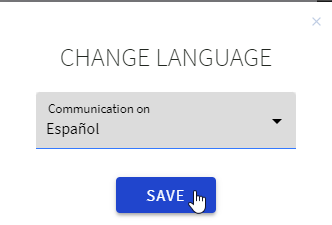
2. Select the preferred language and click SAVE.
Once clicked, your interface will immediately be displayed in the selected language and all the notifications you get (SMS, Email, Push notifications) will be sent in your preferable language.
Currently Benchmarc supports the following languages:
|
|
|
|
|
Tomorrow's Healthcare Decisions. Todays's Real World Evidence.
