

+1 (332) 900-1500
a. Find the ‘My Tasks’ field on your Dashboard and click VIEW ALL at the top right it

b. Go to TASKS on the left navigation bar

2. To find the required task:
a. Use advanced filters to simplify your search and sort the tasks by:
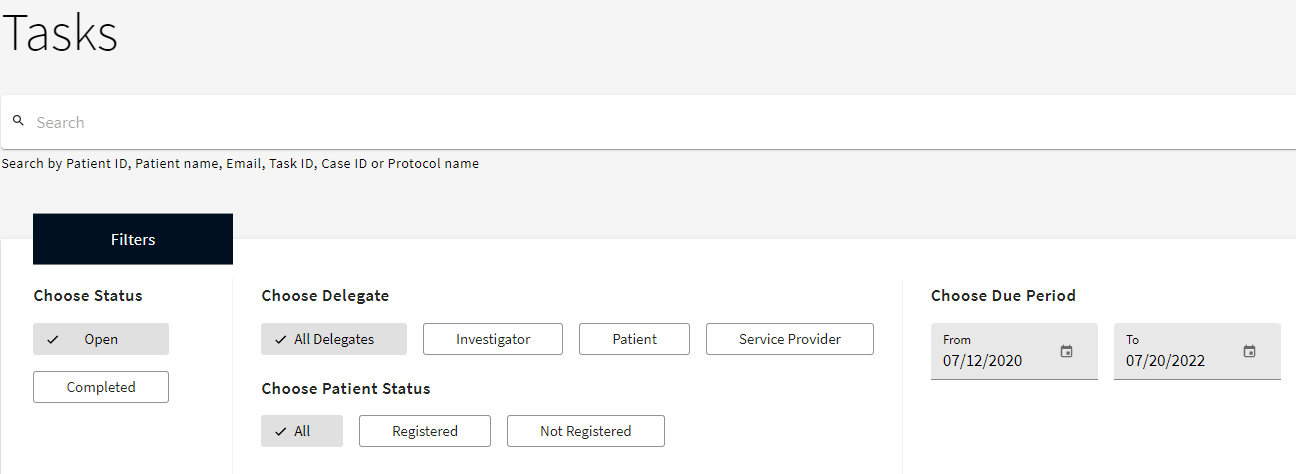
b. Use Search bar at the top of the screen to find the task by Patient ID, Patient name, Email, Task ID, Case ID or Protocol name.

Search keywords:
Tomorrow's Healthcare Decisions. Todays's Real World Evidence.
