

+1 (332) 900-1500
Registering with inCytes™ allows you to enjoy the full feature suite of the platform and access to your cases.
To begin, follow
an invitation link
from a colleague or our inCytes™ team (received via
or social networks) and the registration screen will immediately open.
Fill in the following information for your account:
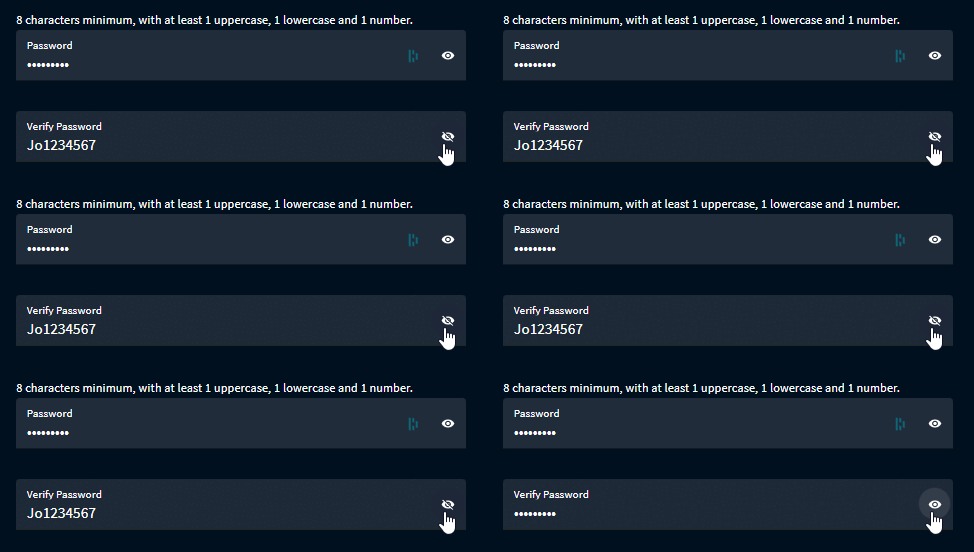
Tip: You can click the eye icon next to the password field to reveal the characters of your password to ensure that you enter it correctly.
Caution: You won’t be able to use the platform without signing the document.
By clicking NEXT, you should receive an email from notifications@incytes.com within minutes. This email contains a verification code to finalize your account registration. You should copy and paste the code to the corresponding field on your sign up screen.
Click SUBMIT - you should now have access to your account dashboard.
Search keywords:
Tomorrow's Healthcare Decisions. Todays's Real World Evidence.
