Knowledge Base for Investigators

Searching for patient related article? Navigate to the 
Knowledge Base for Patients

Removing Cases

You have the ability to close a case that is no longer relevant by taking one of the following actions:

Completing a case

Caution: The patient will no longer receive surveys after the case was completed.
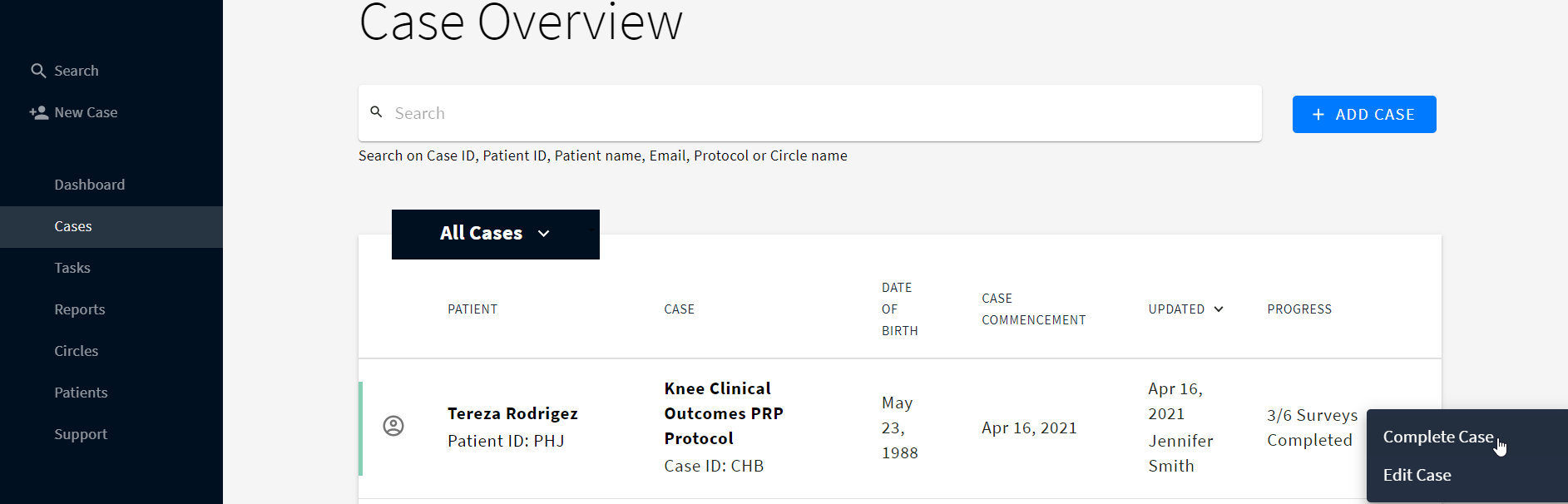
  1. Go to the Cases tab
  2. Click three dots next to the required case
  3. Select Complete Case
Removing Cases 1

OR

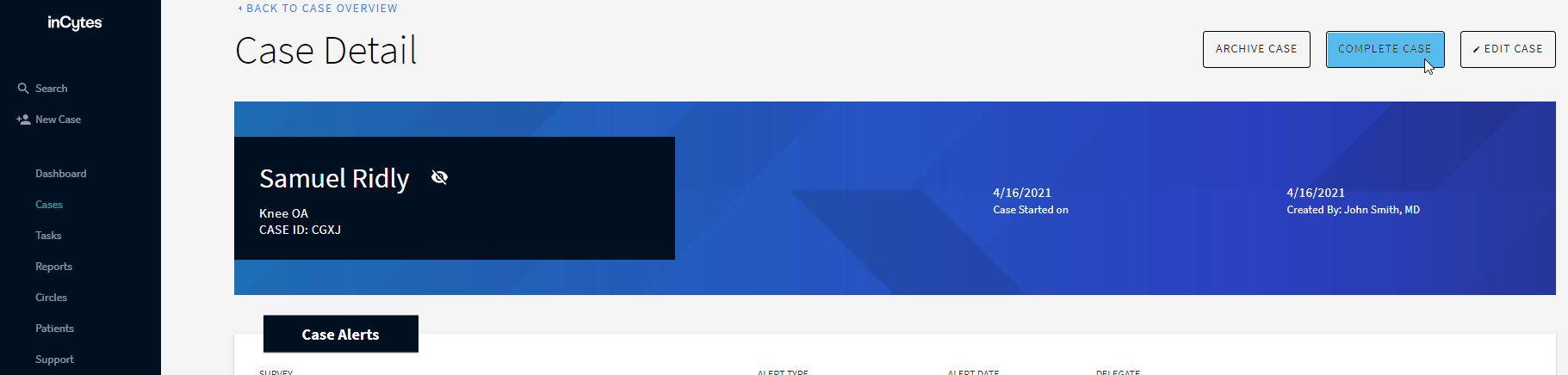
  1. Go to the Cases tab
  2. Select the required case
  3. Click COMPLETE CASE at the top right of the screen
Removing Cases 2


Archiving a case

Caution: This action cannot be undone and will exclude case results from the overall statistics
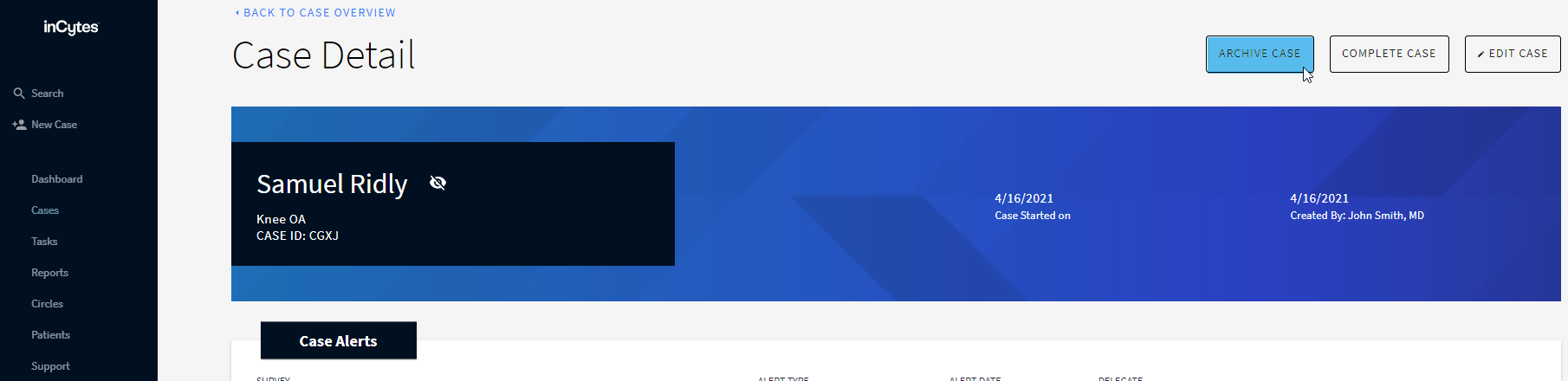
  1. Go to the Cases tab
  2. Select the required case
  3. Click ARCHIVE CASE at the top right of the screen
Removing Cases 3

Search keywords:

Haven't found a solution?

CONTACT US