

+1 (332) 900-1500
You can find your Circle statistics right from your inCytes™ dashboard:
1. Click Circles at the left navigation and select the required Circle
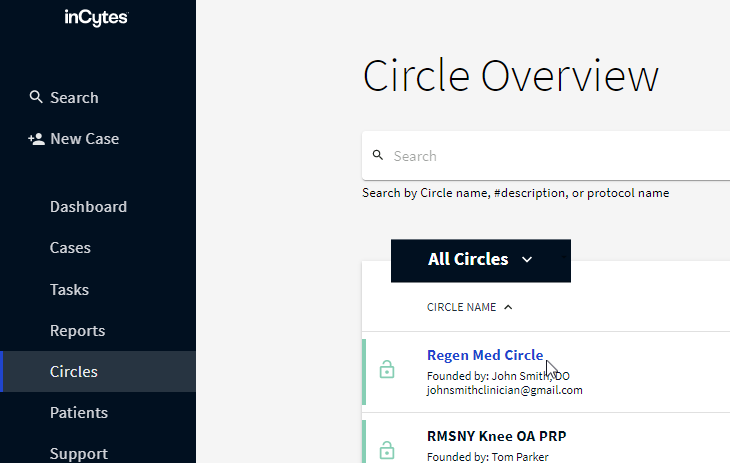
2. Scroll down the page and you will find Circle Statistics as a separate field.
Your Circle statistics are presented as follows:
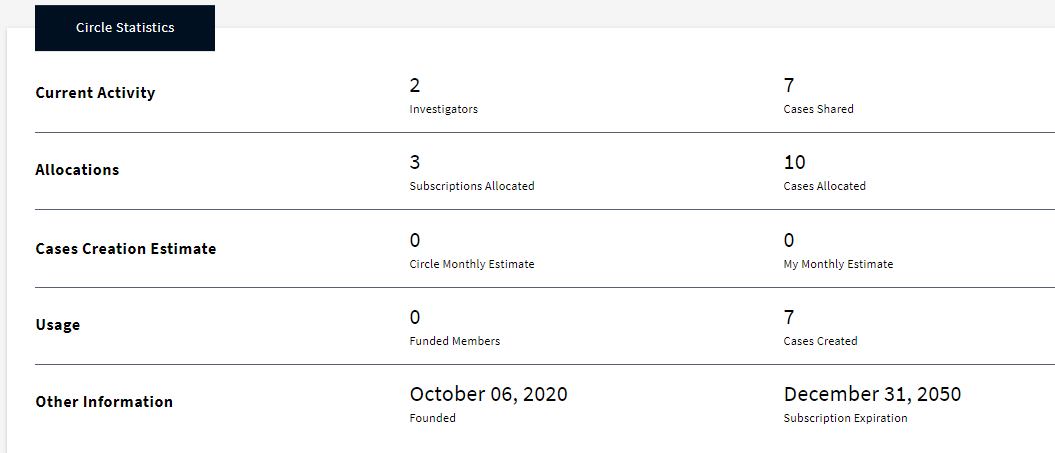
Current Activity:
Allocations:
The total number of cases and subscriptions that are allocated to the Circle.
Usage:
Other Information:
The founding date of the Circle.
Search keywords:
Tomorrow's Healthcare Decisions. Todays's Real World Evidence.
