
InvestigatorFAQs
How to Bookmark inCytes™ to My Browser?
To easily access the app from your browser menu anytime you need, we recommend you save inCytes™ to your browser bookmarks.
Saving inCytes™ in your browser:
Method 1
- Go to https://www.rgnmed.com and click inCytes™ Login at the top right of the screen
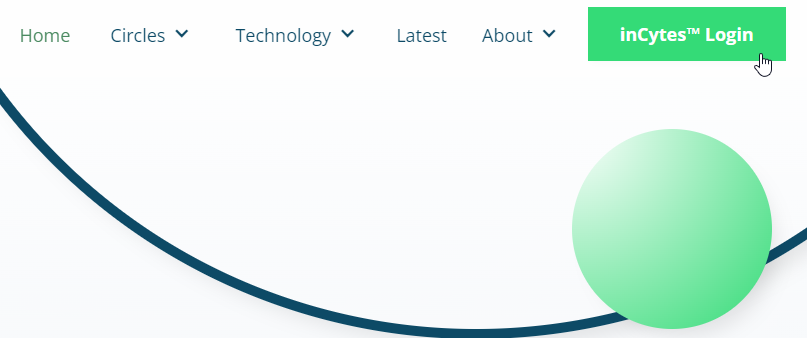
2. Once the inCytes Login page opens, save the website in your bookmarks.
Method 2
1. Find the invitation email from notifications@incytesapp.co in your inbox
2. Click the Register Now/Join Now button that will immediately take you to the inCytes™ Login screen
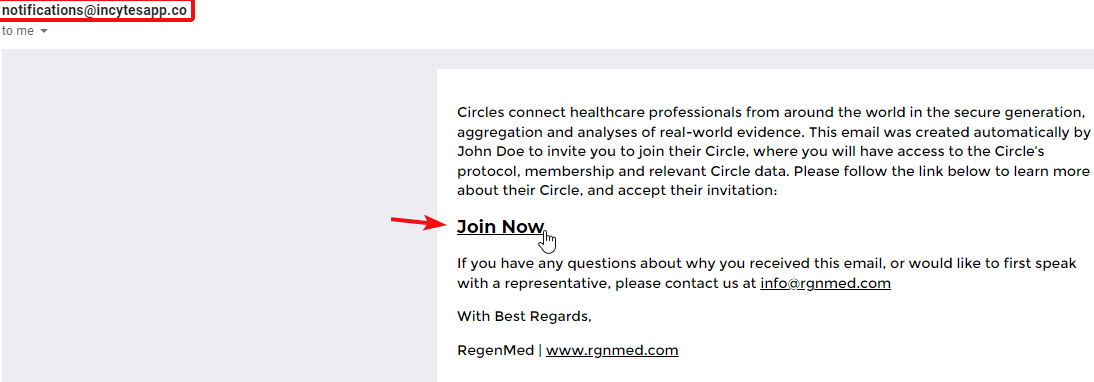
3. Save the webpage in your browser bookmarks

Did this article answer your question?
Related articles