
InvestigatorReports
Removing the Report
Follow the steps below to remove the saved report:
1. Navigate to Reports
2. Click three dots next to the desired report name in the Saved Reports list
3. Select Remove

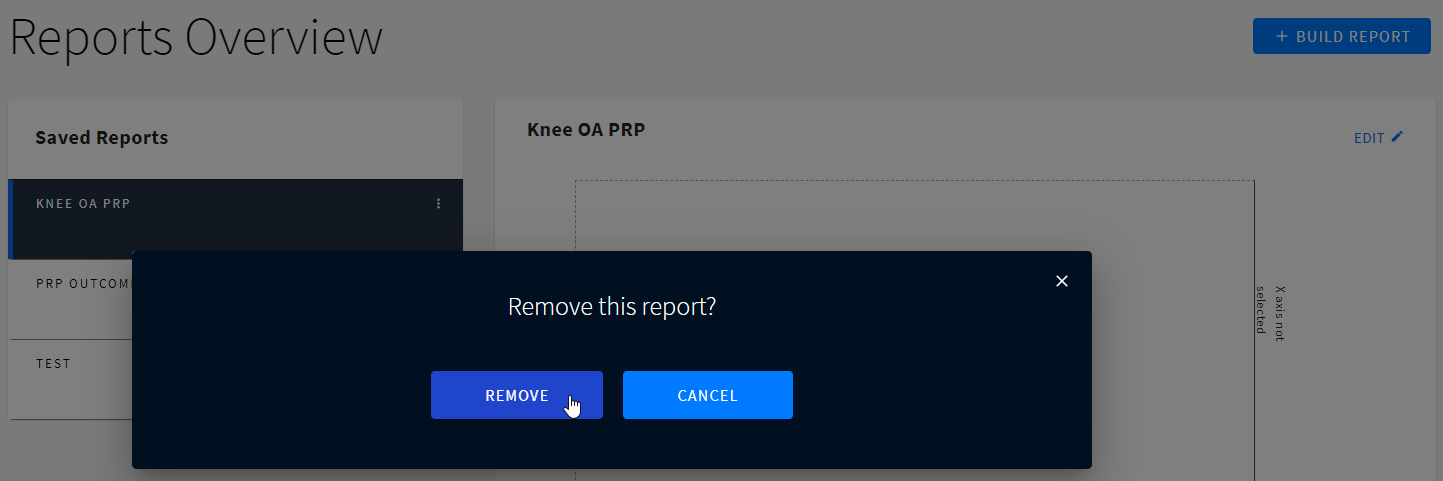
4. Confirm deletion of the report by selecting REMOVE or click CANCEL to cancel the deletion.
Did this article answer your question?
Related articles