
InvestigatorReports
Report Builder: Determining X axis
1. Click Settings at the top right of the Report Builder.

2. Click next to the X axis field

3. Customize X axis name if preferred
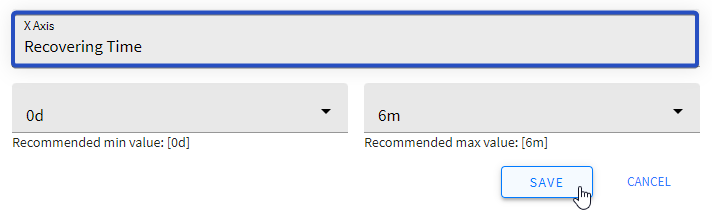
Tip: After saving your custom X axis name, you’ll see the default/system X axis name above it.

4. Set the desired period
Tip: Below these fields you will see the recommended min and max values for this parameter.
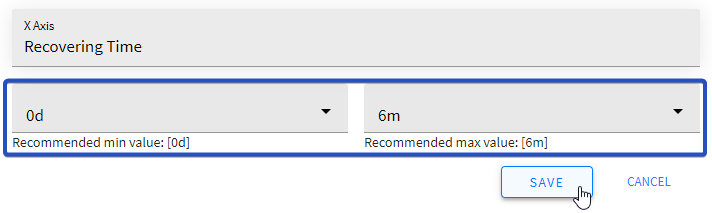
5. Click SAVE to apply the changes (or CANCEL to cancel the action)
Did this article answer your question?
Related articles