
InvestigatorCase and Patient Management
Finding a Case
Make your search quicker, thus work more productive!
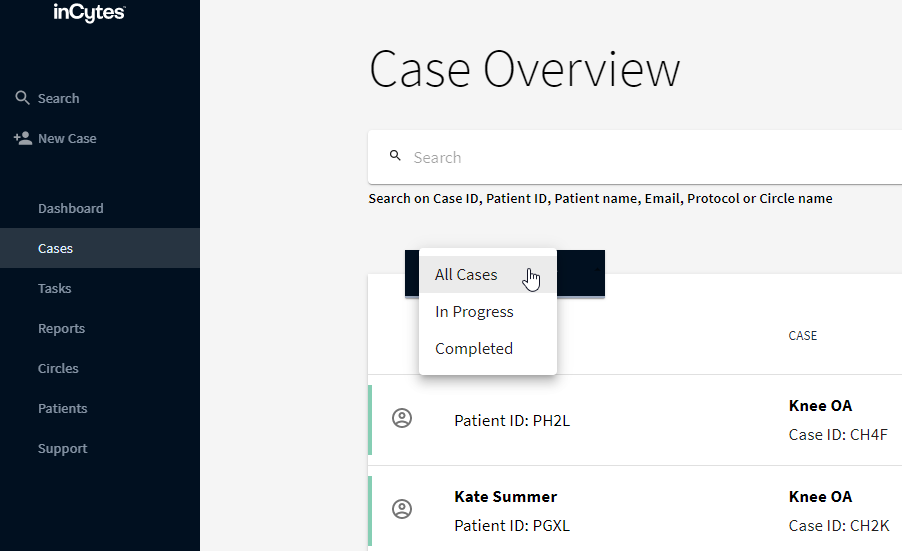
- Click Cases in the left navigation bar.
- Filter the Cases in the Case list. Select whether you’d like to see All Cases, In Progress Cases, or Completed Cases.
Tip: If the list of cases is too long, scroll down the page in order to load all cases.
OR
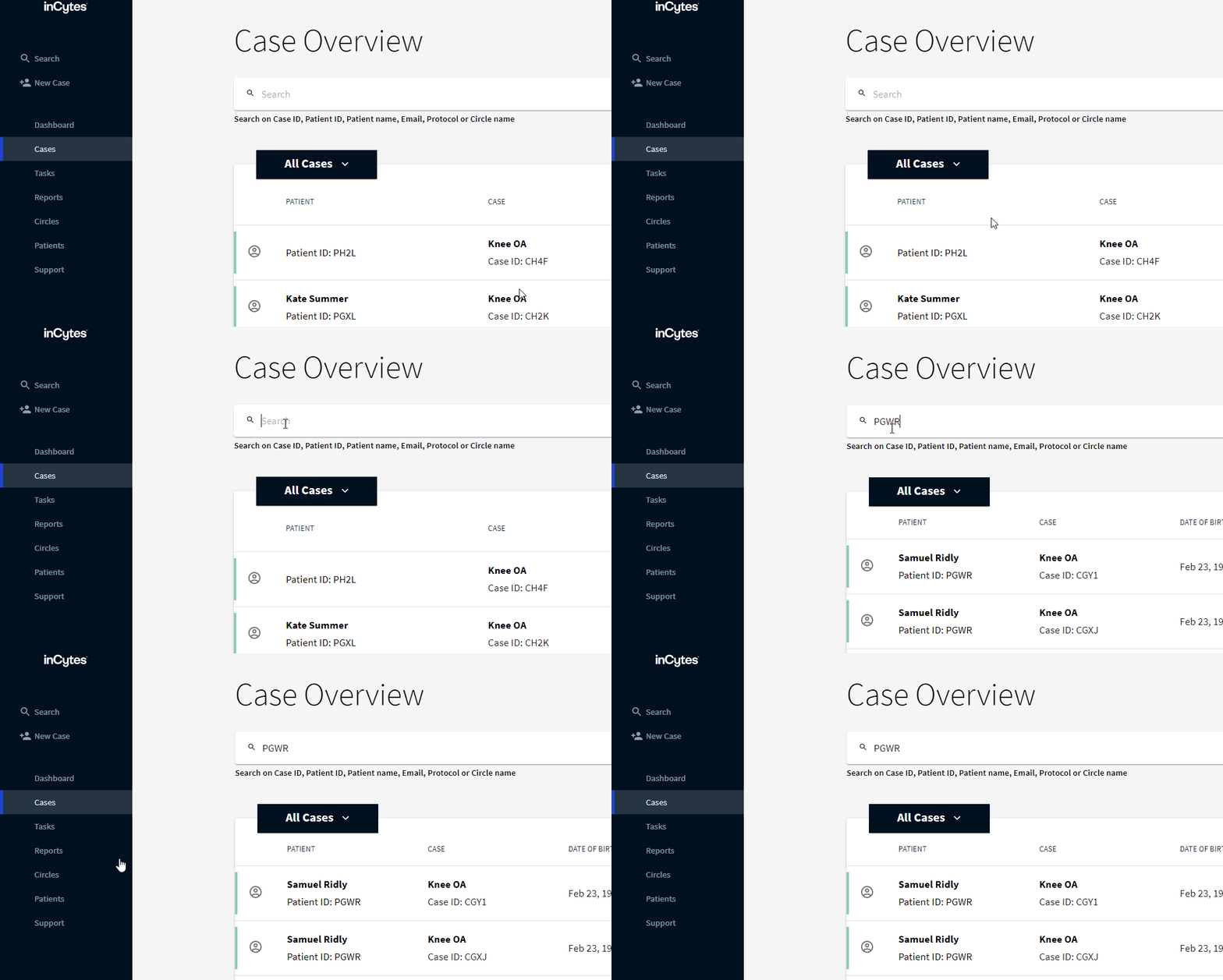
- Find the case by patient name, patient ID, email, protocol, or Circle name by using the Search field.
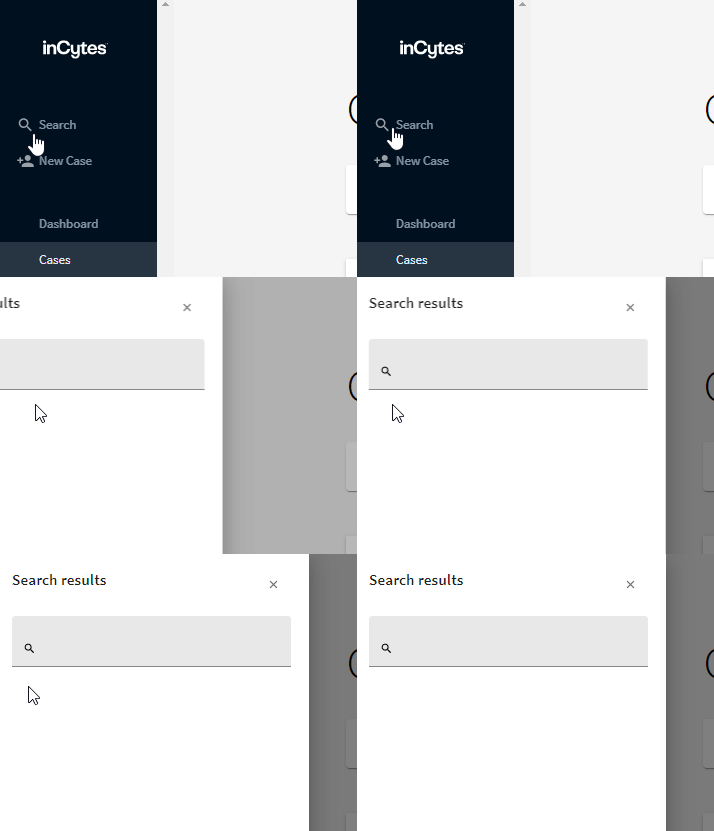
Note: You can also use Search at the top left navigation bar for Cases, Circles, Protocols, or Patients.
Did this article answer your question?
Related articles