

+1 (332) 900-1500
If you would like to re-visit your existing report to edit it or need to configure a newly built report, follow the steps below:
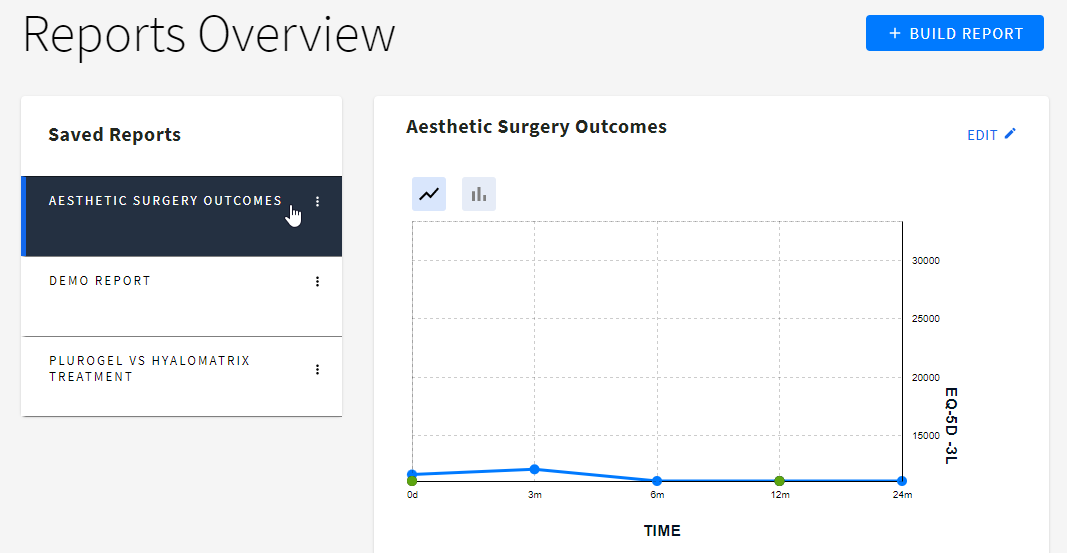
1. Navigate to Reports and click on the required template in the list of saved reports. On the right, you’ll see a small preview of your graph.
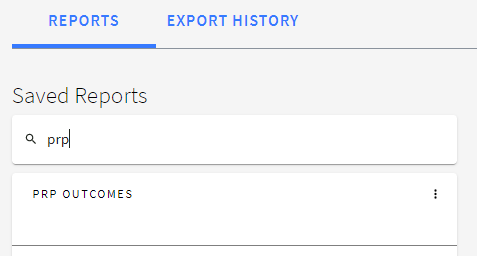
Tip: Use Search to find the required report faster
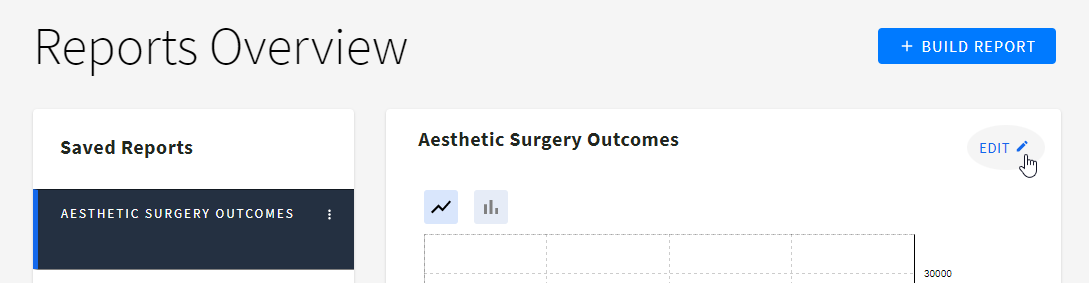
2. Press EDIT at the top right of the Reports Overview page to open the Report builder
3. To start configuring your graph, click Settings at the top right of the Report Builder.

Here you have the following settings:
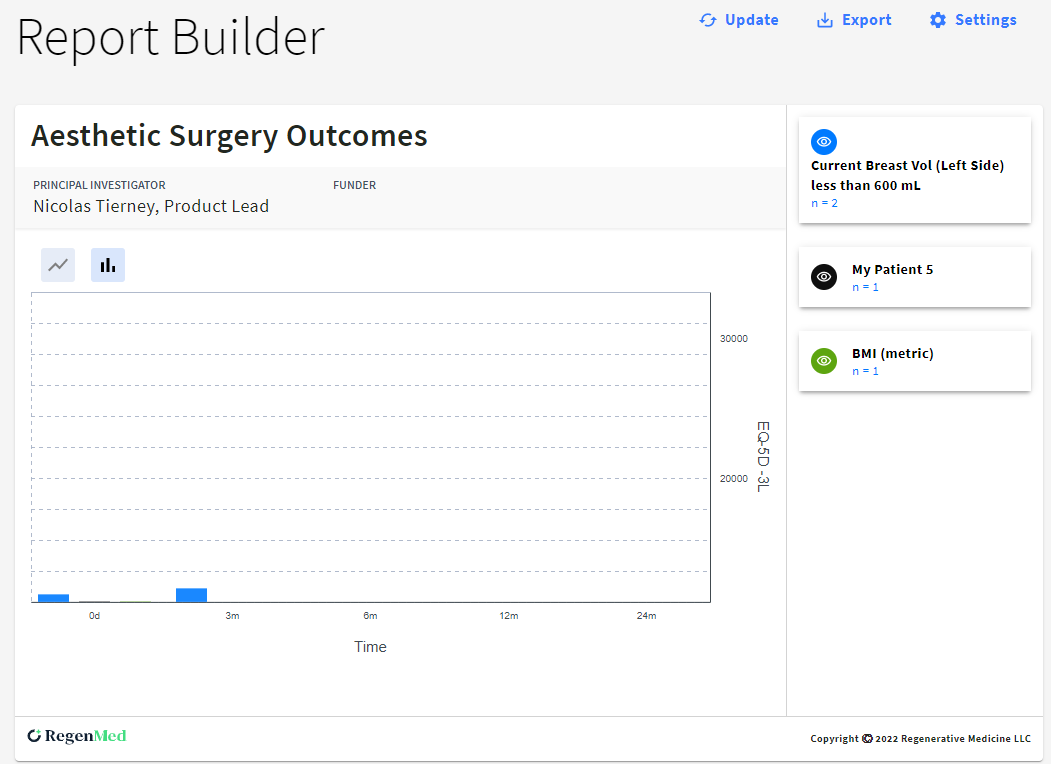
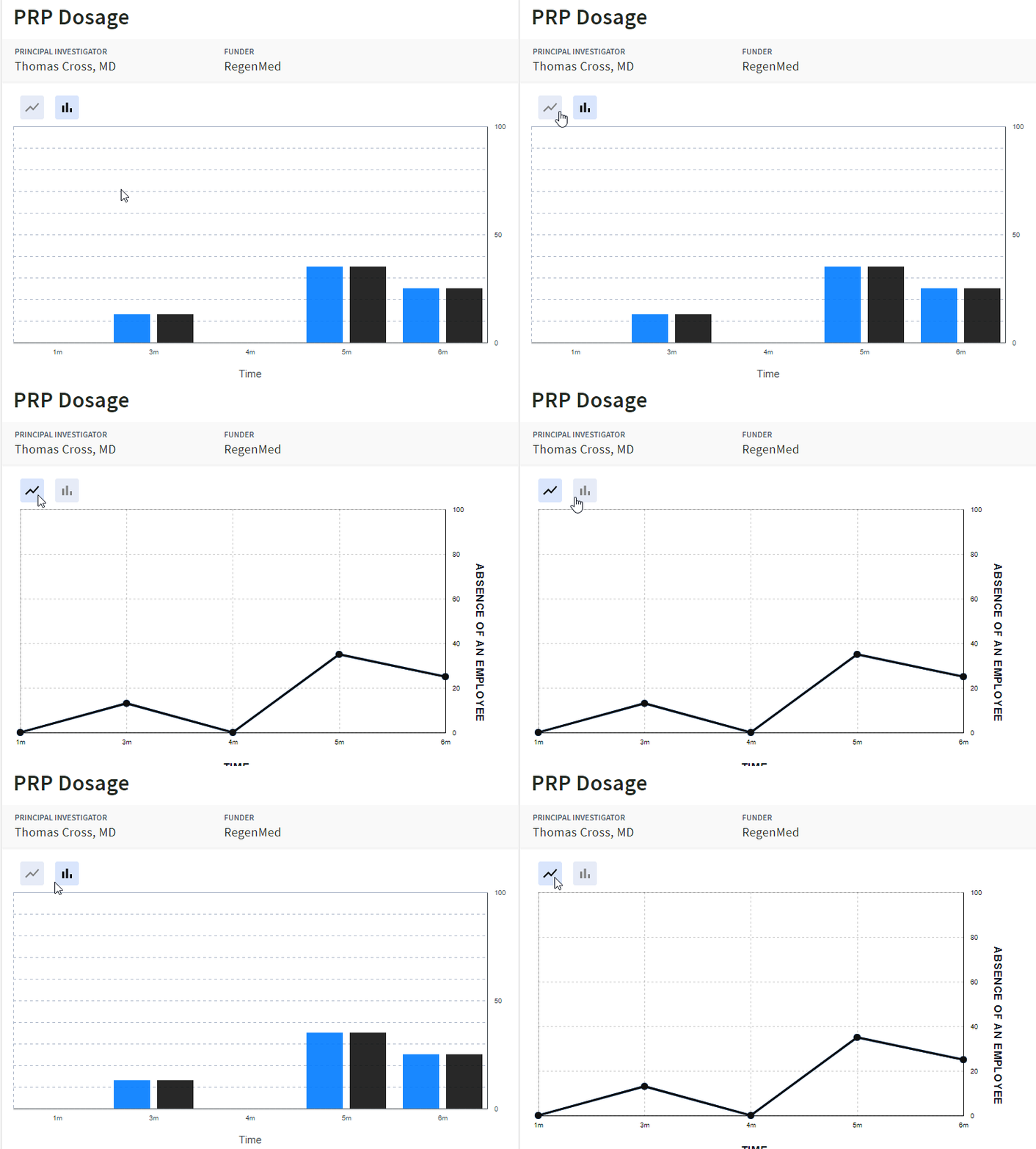
On the left of the Report Builder page, you can find the following info:

On the right, you’ll find the Cohorts information.

Search keywords:
Tomorrow's Healthcare Decisions. Todays's Real World Evidence.
